How to sell feet pics without showing your face or your real name
Selling feet pics does not mean showing your face, using your real name, or leaking where you live. Here is exactly what other people can see about you, the settings worth checking before your first upload, and the habits that keep your selling identity separate from your real one.
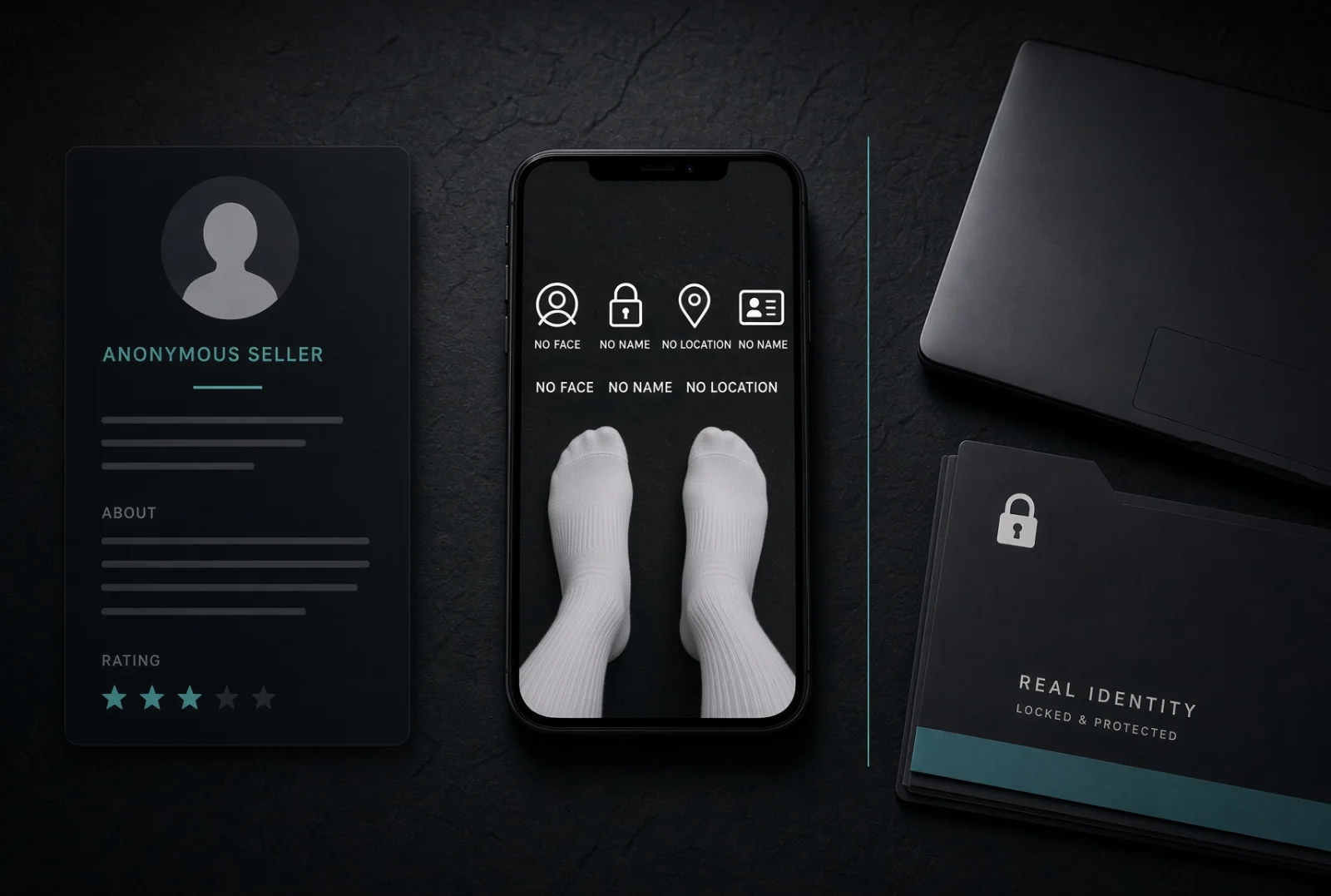
The most common reason people decide against selling feet pics is not the money or the effort. It is the fear that someone they know will recognise them, or that a stranger will work out where they live.
That fear is reasonable. It is also almost entirely solvable, because feet are one of the few things you can sell without your face, your name or your location ever entering the picture. What follows is what other people can actually see about you here, the things worth fixing before your first upload, and the habits that keep the two halves of your life apart.
What people can actually see
A public profile on Allison Feet shows only what you choose to put on it. The fields are all optional:
| Shown publicly | Never shown |
|---|---|
| Your username | Your email address |
| Avatar, bio and gallery | Your legal name from verification |
| Age in whole years | Your date of birth |
| City and country, if you fill them in | Your ID document or selfie |
| Optional details: height, hair colour, and so on | Your exact location |
Two of those deserve a closer look.
Age is rounded to whole years on purpose. The exact date of birth never leaves our servers, because a birthday plus a city is enough to identify a real person.
City and country are yours to leave blank. A country alone is usually harmless. A small town plus an age plus a few photos is a much smaller haystack than people expect. If you live somewhere small, leave the city empty or name the nearest large region instead.
Pick a handle that is yours alone
You chose a username when you signed up, and that is the name on your public profile. Your real name is never shown there.
What is worth checking is whether that username is unique to this account. A handle you also use on Instagram, Reddit, Discord or an old gaming account is a direct link between your selling identity and your real one, and anyone can search for it in about ten seconds. The same goes for a handle built from your real name, your initials and birth year, or anything friends would recognise.
If you reused something, change it now rather than later, from the account menu in the top bar under Manage account. Your profile link does not contain your username, so anything you have already shared keeps working.
The photos themselves
Metadata is handled for you, mostly
Every photo you upload is re-encoded in your browser before it is sent. The uploaded file is built from the pixels alone, so the original file's hidden metadata — GPS coordinates, camera serial number, the timestamp your phone recorded — does not travel with it.
Short videos are normally re-encoded the same way, though a small clip that is already in the right format can be sent as-is. If that matters to you, strip the metadata yourself before uploading. It also matters far more when you post to other sites, which may not do this at all.
Everything the camera caught, not just your feet
Metadata is the easy part. The hard part is what is in the frame:
- Backgrounds. Post, packaging, a prescription label, a laptop screen, a calendar, a window with a recognisable view, a garden, a house number.
- Reflections. Anything shiny — a TV, an oven door, a mirror, a phone screen, even a polished nail — can contain a whole room, or you holding the camera.
- Permanent marks. Tattoos, scars and distinctive jewellery are identifying, and unlike a background you cannot move them. Crop or angle around them if they also appear on your public social media.
- Bedding and flooring. A distinctive rug or duvet that also appears in photos on your personal accounts is an easy match.
A neutral surface and a plain wall solve almost all of this, and photograph better anyway.
Do not reuse a photo across two identities
Reverse image search is free, instant, and the standard tool for connecting accounts. A photo that appears both on your selling profile and on a personal account links them permanently, even if you delete one later.
Keep a hard rule: a photo belongs to one identity, forever. Do not crop a personal photo and reuse it. Cropping does not defeat image matching.
Keep the two lives separate
- Use a separate email address for your selling account. Free, takes a minute, and prevents an address you have used for a decade from tying everything together.
- Do not cross-post. Never share your selling profile from a personal account, and never the other way round.
- Watch what you say, not just what you show. Your employer, your team, your commute, your university, a local event you attended. Any two of these narrow things down fast.
- Be careful with custom requests that ask for something identifying: a photo with today's newspaper is a normal anti-scam check, a photo with your street sign or your face is not. Read the red flags post if you have not.
What verification does and does not expose
To sell here you complete an identity and age check: a photo of a government ID and a short selfie, handled by a specialist identity provider.
Nothing from that check appears on your profile. Other members see only that you are verified. They do not see your legal name, your document, or your photograph, and there is no way for them to ask for it. The full detail is in the verification guide.
The point of the check is the opposite of exposure. It means the people messaging you have also proven who they are, which is exactly what makes it safe to deal with strangers at all.
The one that surprises people: payment
Buyers pay sellers directly here, with whatever method the two of you agree on. We never hold the money or take a cut, which is why you keep everything you earn. It also means the payment method is entirely your choice, and some choices reveal your legal name to the buyer.
Before you agree on a method, check what the other person sees when they pay you. Many payment apps display the account holder's full name, and some show a phone number or a profile photo. Test it with a friend if you are not sure.
If a method exposes more than you are comfortable with, say so and propose another. Agreeing on the method before any content changes hands is good practice for avoiding scams too.
The five-minute checklist
- Is your username one you have never used anywhere else?
- Is the city field empty, or vague enough to be useless?
- Is your selling account on its own email address?
- Does every gallery photo have a plain background, no reflections, no identifying marks?
- Do you know what a buyer sees when they pay you?
Five answers, five minutes, and most of the risk is gone.
Starting from here
Browsing is free and needs no account, so look around before you commit to anything: the seller directory shows who is active and how other people present themselves without showing their faces.
When you are ready, the guide to selling covers setting up a gallery, sharing your profile, and getting paid. Questions about membership and pricing are answered in the FAQ.